
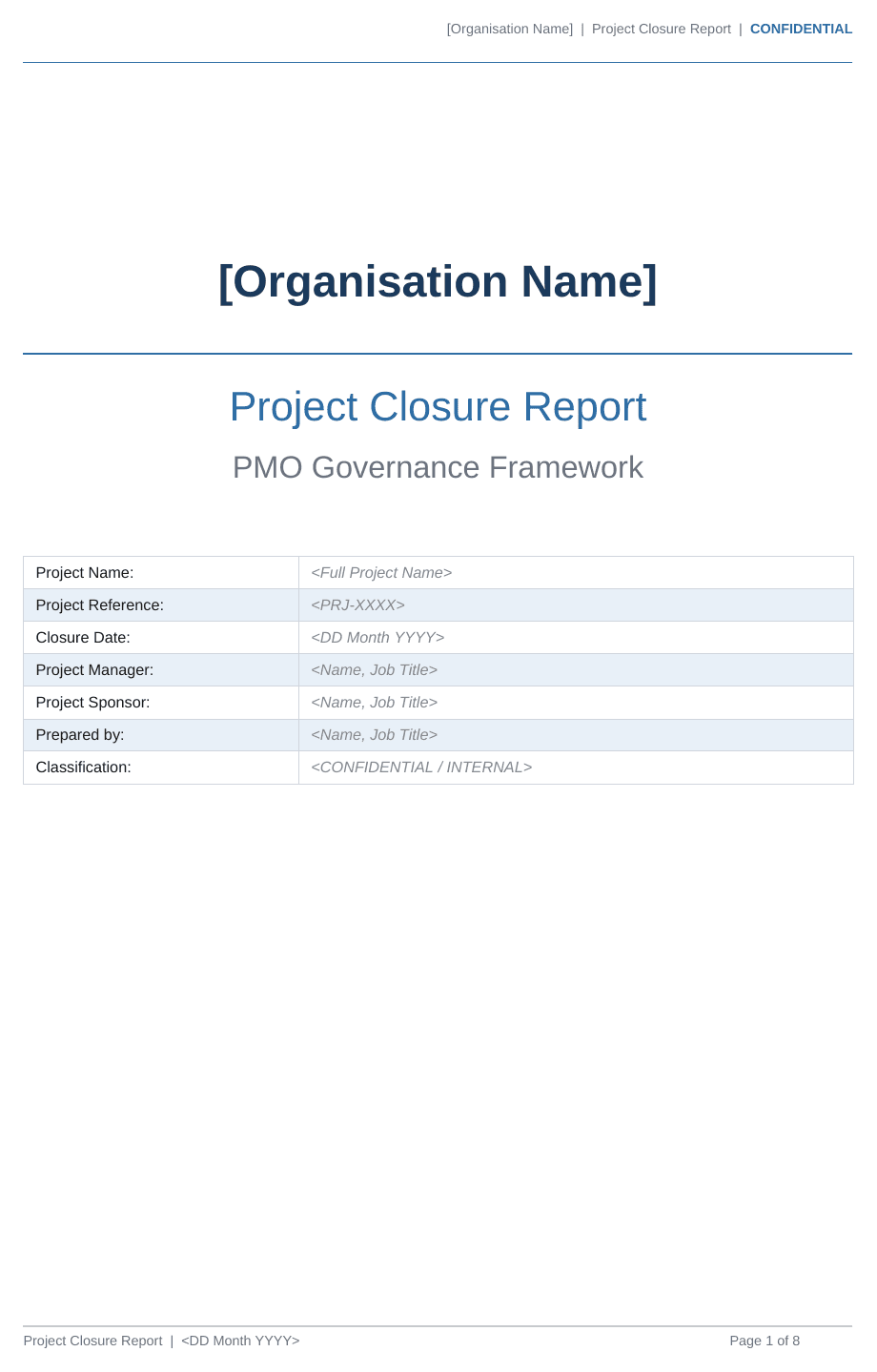
Project Closure Report Template
A ready-to-use Project Closure Report in Word, the formal record that a project is complete, what it achieved and what happens next. It's included in our PMO Governance Pack.
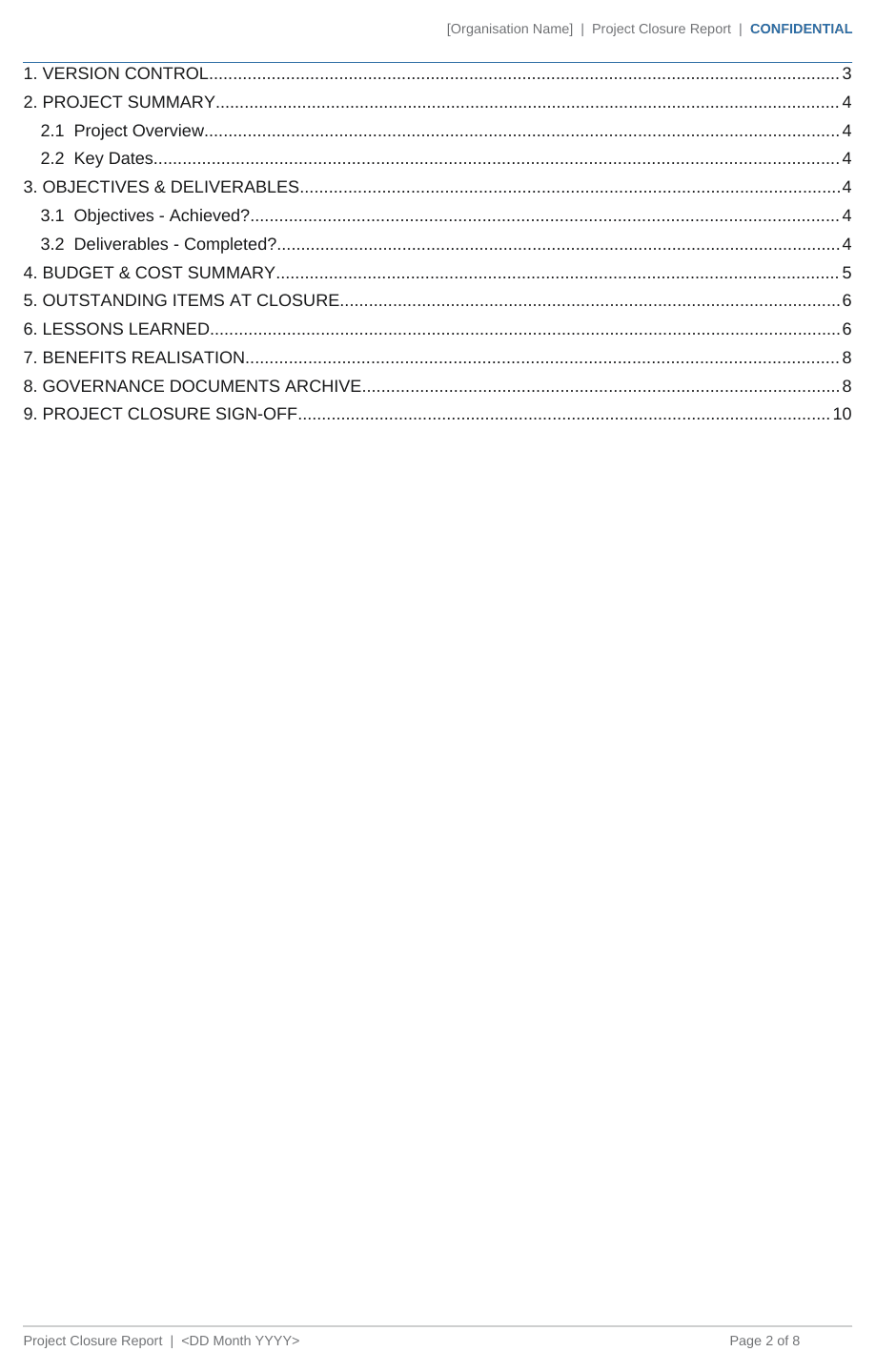
What's inside: 9 sections
- Version control
- Project summary and key dates
- Objectives and deliverables: achieved or not
- Budget and cost summary
- Outstanding items at closure
- Lessons learned
- Benefits realisation
- Governance documents archive
- Project closure sign-off
How to use it
Complete it at the end of the project, once the handover is done. Record honestly what was and wasn't delivered, hand any outstanding items to a named owner, capture the lessons learned and confirm how benefits will be measured after closure. The sponsor signs it off to close the project formally. For what each term means, see our glossary entry on benefits realisation.
FAQs
What format is it?
A Word document (.docx) you can edit and brand as your own.
When should a Project Closure Report be completed?
At the end of the project, after handover, so the sponsor can formally confirm the project is complete and release the team.
Is the Project Closure Report template free?
It's part of the PMO Governance Pack, alongside the other core project documents. Our PMO Health Check is free.
What's in the PMO Governance Pack
Templates
- Project Initiation Document (PID) template
- RAID log
- Terms of Reference
- Statement of Work
- Operational Readiness Checklist
- Handover to business as usual template
- Project Closure Report
Guides
- Read Me First
- Getting Started
- Implementation Guide
- Naming Conventions Guide
Get the Project Closure Report and the full governance set
The PMO Governance Pack includes this template and the core documents to run your projects consistently.